Margin
Impact
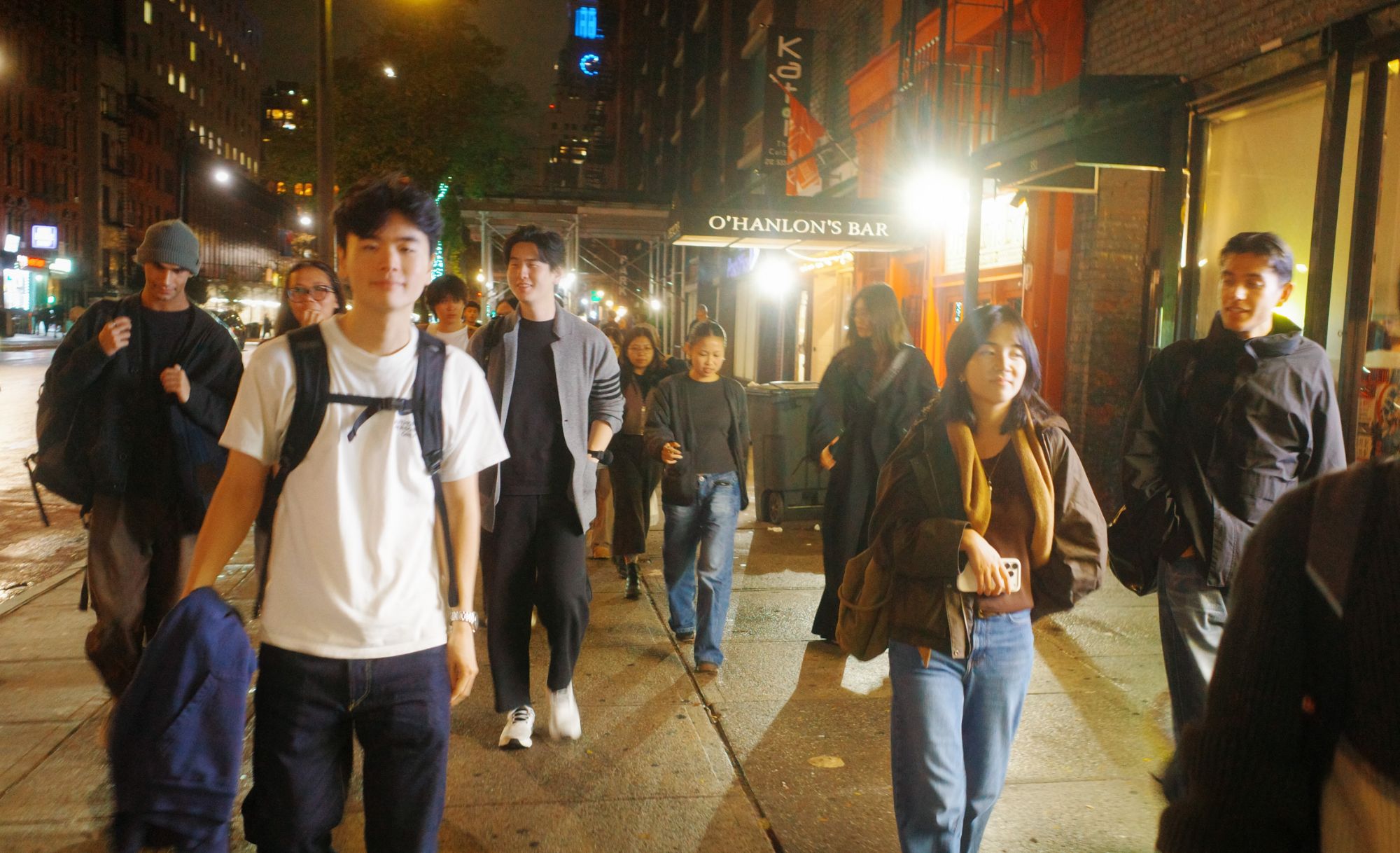
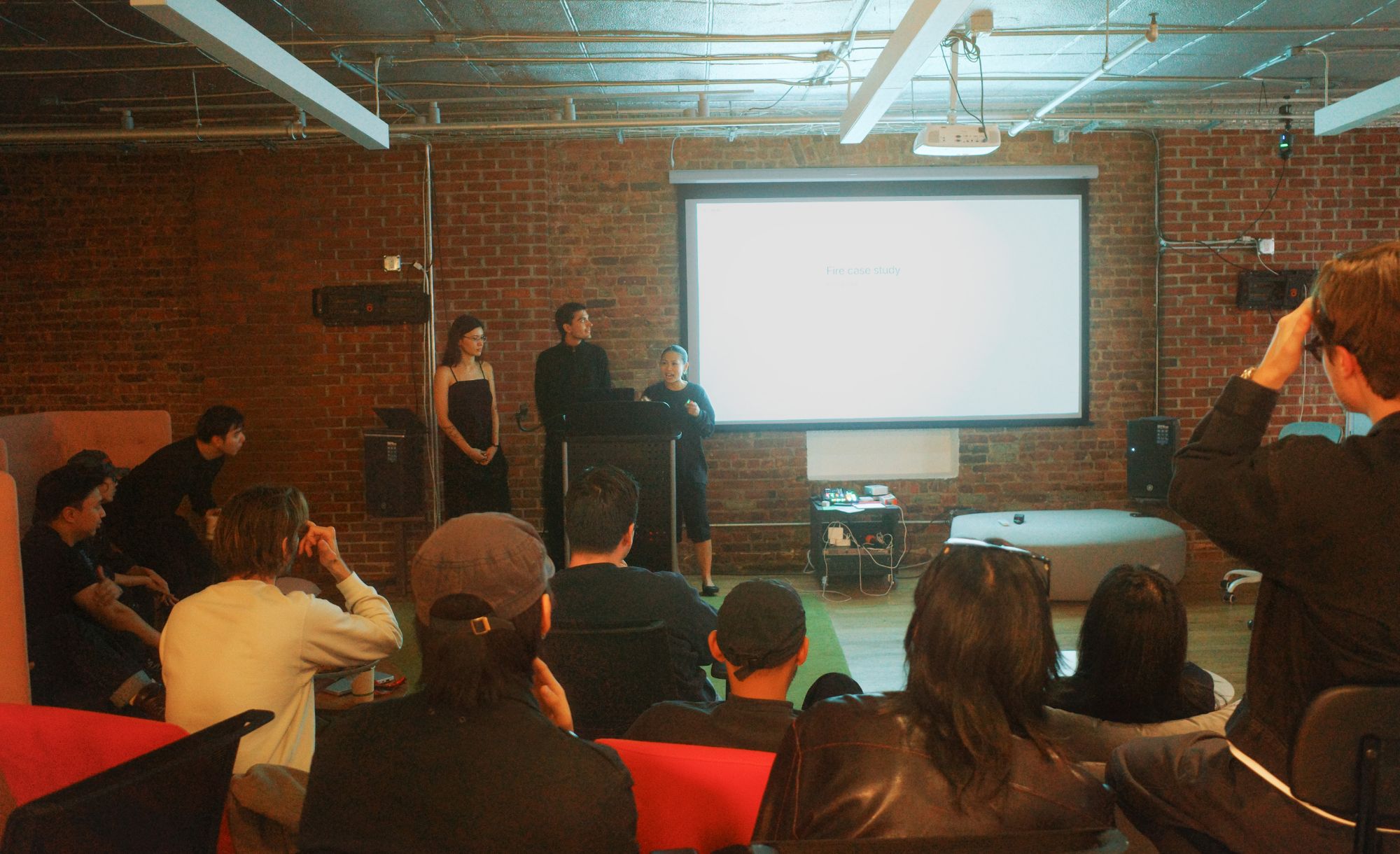
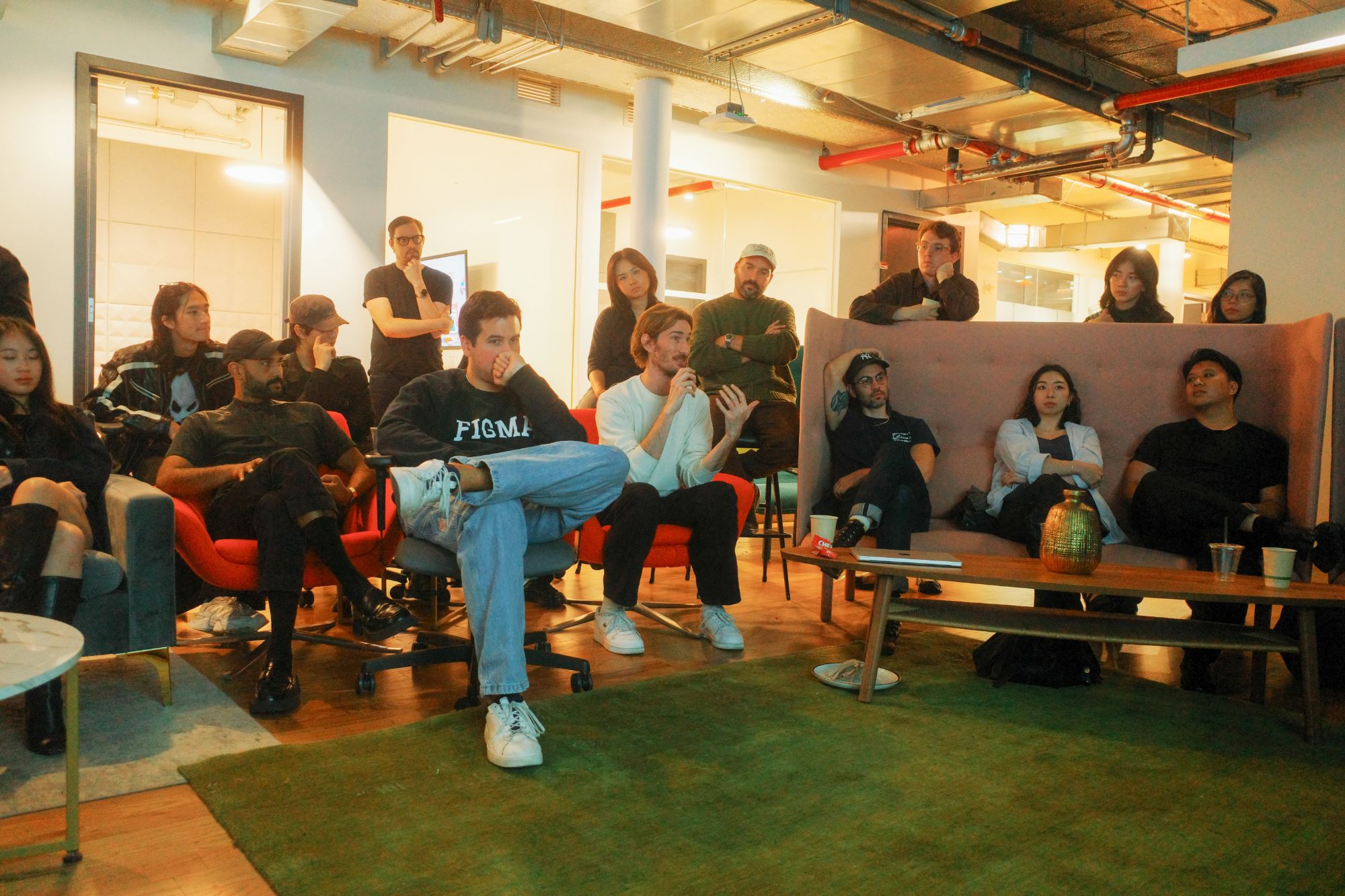
We flew to NYC to present Margin to a room of designers from OpenAI and Anthropic
Margin was selected as 1 of 5 finalist teams out of 800+ participants in the SVSD Design Competition. The crit sparked a lively conversation about how designers reflect on their process, and how AI can help us see it more deeply without losing the intention behind it.
Context
Coding agents let designers iterate faster than ever
Before AI, design lived mostly on the Figma canvas, where slow, deliberate micro decisions shaped every visual and interaction detail. Now designers work in coding agents with only some starting in Figma first.
Figma
Claude Code
Problem
This new shift makes it easy to move fast without leaving a trail
The speed of AI comes with a tradeoff: we know our designs less intimately. The faster we iterate, the faster earlier decisions fade. We have iteration 712 but can't remember the decision we made at iteration 21.
Solution
Margin: a Mac app that helps designers document decisions as they work without losing speed
Margin lets designers capture iterations and decisions in the moment, all in one place. We preserve designers’ intention by capturing their thinking and scaffolding the storytelling afterward.
Capture
Select a Figma frame, text, or a URL and double-press ⌘ to capture it. Nothing selected? Double-press ⌘ for a screenshot, recording, or Claude Code capture.
Annotate
After a capture, a small popup lets you jot down thoughts or decisions, so the why stays with the artifacts instead of fading later.
Remember
Margin quietly autocaptures in the background, keeping only moments with meaningful changes so nothing valuable fades. If a while passes without a capture, a gentle nudge invites you to add one.
Archive
In this chronological view, zooming in and out groups artifacts into sequential chunks of the design process, each summarized by our intelligence layer.
Screenshots are flat. So we embedded interactive Claude Code builds, websites, Figma flows, and motion.
Themes
Our intelligence layer first sorts artifacts into general themes as a starting point. From there, designers make sense of their work by moving artifacts, creating new groups, and renaming them.
Handoff
When designers are ready, they hand their organized work to their coding agent and decide how it can help, e.g. scaffold a case study, build a slide deck, prepare a pitch.
Research
Documentation is often left to the end, leaving designers to fill in gaps from memory
We interviewed 5 Master of Design students at UC Berkeley. All of them said documenting their process matters for understanding their intention. Yet none of them actually do it during the process.
“Honestly, I forget most of the time”
“Such a mess. It's everywhere right now.”
“I end up having to fill in some gaps.”
We reflect while we work but lose the insights by the end
As Donald Schön coined it: reflection in action, or the thinking we do mid work. A case study is about the decisions behind the final product, but we rarely document them along the way. With AI, there’s even more to lose.
Decision 1
How do we make capturing feel as seamless as possible?
Designers often leave documentation for later because it feels like a burden. What format? Where does it go? How do I also keep my thinking?
We first looked at what designers would want to capture (Figma frames, notes, Claude Code builds) and the familiar instincts like Shift-⌘-4 for screenshots.
While this is familiar, two questions came up. Could we make it faster? Could we go beyond a screenshot to capture formats that stay useful when we reflect on them?
Hotkeys are fast, so we tried a different one for each artifact type.
But having to remember which key goes with which artifact added more cognitive load.
We landed on a universal hotkey for all artifact types: double-press ⌘. Like a camera, you select what you want and capture. If nothing is selected, it falls back to a screenshot, recording, or Claude Code capture.
Decision 2
How do designers want to visualize their documentation?
We thought about how to make this messy, nonlinear design process, well…linear. A chronological view could show how the project evolved. But evolution isn’t just more artifacts being added—it’s also how the ideas behind them progress.
The chronological view was too flat and didn't account for the depth of the process.
We explored a spatial view organized by idea. The deeper you zoom, the finer the iterations. But it got messy as artifacts piled up, and zoomed out, too much was abstracted away.
So we came back to the timeline, since seeing the process in order mattered. To show how ideas progress, designers can zoom in and out, and our intelligence layer summarizes each stretch of time.
Decision 3
What does making sense of this documentation look like?
We explored having Margin write the case study from all the documentation and annotations. But our goal was to safekeep the designers’ intention—not automate away what makes the process personal.
We asked a UC Berkeley MDes professor how she'd feel about handing sense making over to AI. She said:
“Sense making is the creative part. Why would I give that away?”
So instead of doing it for them, we designed a canvas to get messy on. Our intelligence layer gives it a first pass, and from there, the sense making is theirs.
Feedback
The crit opened up a wider discussion on how AI could help tell the story
Designers from OpenAI, Spotify, and Cosmos pushed us on how AI could help tell a targeted story from the documentation while the intention stays with the designer. For example, tracing the throughline across specific screenshots, or gathering materials for an interview focused on visual design.
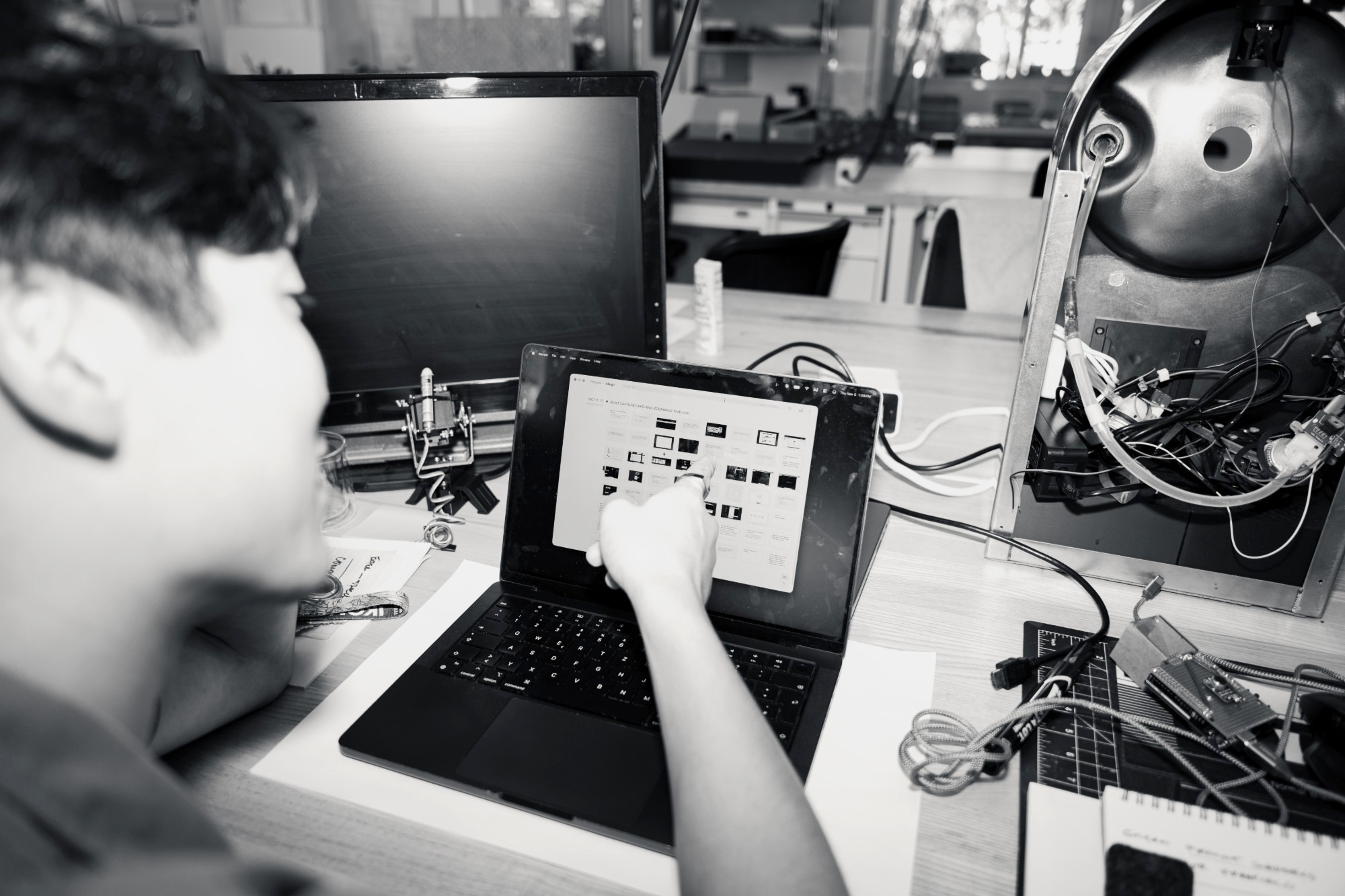
Master of Design students used Margin during their projects, and many said capturing felt so seamless that it would be a disservice to themselves not to.
Reflection
AI is changing how we design, but we can’t lose what made us fall in love with it
At its core, being a designer means being deliberate about our decisions and keeping our users at the center. I’m grateful to have met such talented designers who inspire me to keep raising the bar. At the same time, I’m thinking about where design is headed and how to move fast while staying grounded. And Margin is our attempt at starting that conversation.